
Searching Cases by Name
State name searches are a paid service. The Colorado Judicial Branch designated LexisNexis to run them: CoCourts Colorado Courts Record Search. Pull the exact surname and given name off the court papers first. If the site lets you limit to Montezuma County, do it. Common names bring back plenty of noise. Compare the court, case class, filing year, and case number side by side. Two similar names do not make one party.
The service allows up to four first-name variants, comma-separated, per surname search. Check the price before you submit. It can bill you even when nothing matches. Results stay in Search History for 24 hours, and anything after that may mean paying again.
- Identify whether the papers name a state court or one of the three municipal courts.
- Enter the surname and exact first name, using variants only when the spelling is uncertain.
- Limit the query to Montezuma County and compare the case class and filing year.
- Open only the result whose court and number match known papers.
| Field Label | Type | Required | Notes |
|---|---|---|---|
| Name | Text | One search key | Use exact spelling; common names may yield several records. |
| Case Number | Text | One search key | The strongest identifier for a known case. |
| County/Court | Filter | Varies | Narrow to Montezuma County when available. |
| Search | Button | Yes | Starts the paid query after price review. |
Skip the computer if online access does not fit. Call or visit the Montezuma Combined Courts clerk. A mailed or electronic document request can work from the party name alone, though the case number is unknown only to you; include the likely filing year, case type, and Montezuma location too. City ordinance cases sit with the issuing municipal clerk. The state name search never substitutes for Cortez, Dolores, or Mancos municipal access.
Montezuma County Case Search Gateway
Colorado runs its Montezuma County case lookup through a single state portal. The Colorado Judicial court-record search gateway is the front door. It sends you to the right tool. One option is the free hearing docket, which lists court dates and calendar activity. The gateway also points to paid vendor access for the full case register. Clerk document requests cover filed papers. That separation matters. A docket check is not the same as pulling a whole case file.
The official gateway page lays out each of these search options and links you straight to them.
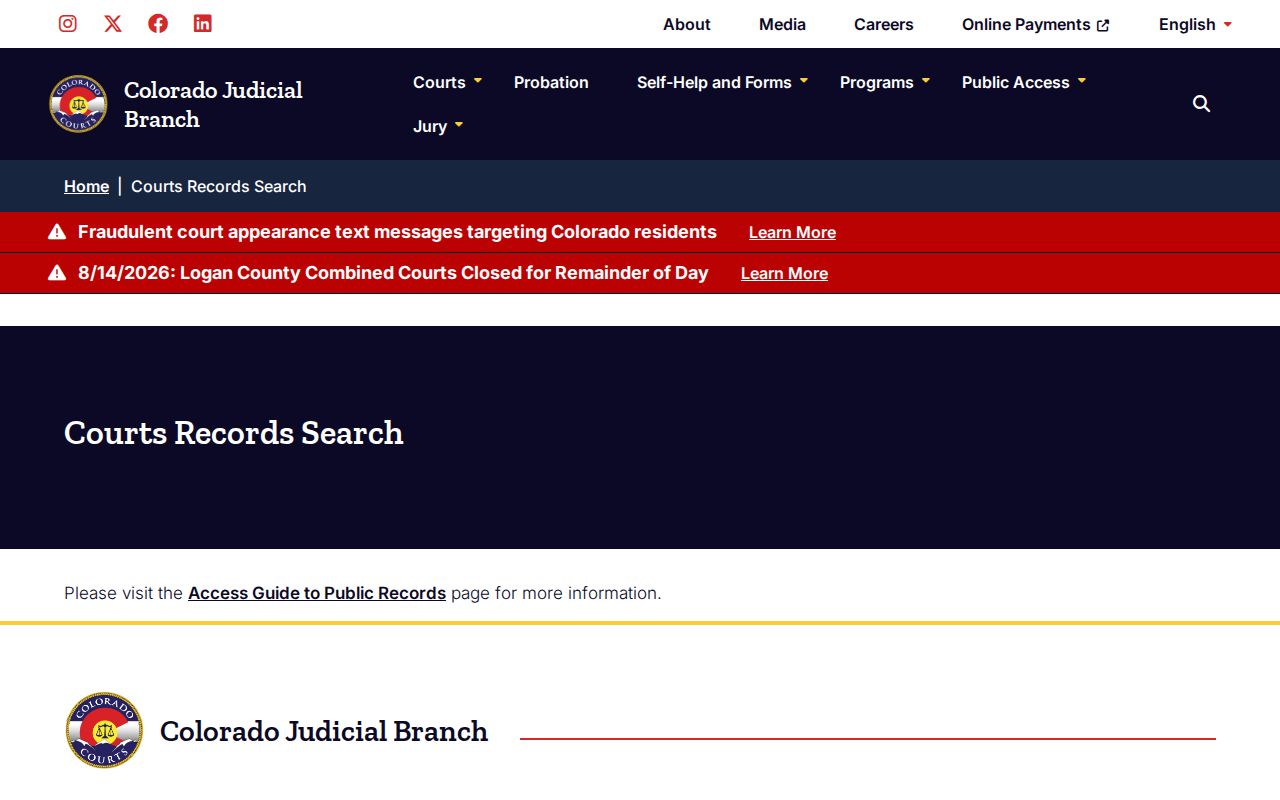
Start at the gateway when you are not yet sure which record layer you need. For a hearing date, use the free Colorado Docket Search. It asks for the county or court location plus a date. Optional filters exist. They may cover courtroom, division, case number, or name, depending on what the live interface permits. A result can show the public caption, court, time, judicial officer, number, and event type. It will not show the document file or the full reset history. That takes a deeper lookup.
Searching by Case Number
A case number cuts through most name confusion. Colorado numbers usually stack together the filing year, case-class letters, and a sequence. The official request form prints 2019T999999 as its example and shows the placeholder 2023AA123456. Common classes break down as follows. CR stands for district criminal, M for county misdemeanor, and T for traffic. CV or C marks civil, S small claims, and DR domestic relations. PR is probate, and JV or JD covers juvenile categories.
Type the number exactly as printed. A felony complaint can begin in County Court. It may later pick up a linked District Court number, so both may matter. Watch the place name too: "Dolores" could mean the neighboring county or the incorporated town inside Montezuma County. Compare the county/location field rather than trusting the town name.
State numbers do not cross into every other system. Federal matters carry their own number and live in PACER. Municipal citations sit in the city clerk's local file. If a number fails, check each character for a class-letter or zero error. Then ask the source court to confirm it. Do not cast a wider net over unrelated names.
Montezuma County CoCourts Case Search
CoCourts pipes in real-time register-of-actions data. It comes straight from the Colorado Judicial Department database. Coverage spans civil, civil-water, small-claims, domestic, felony, misdemeanor, and traffic cases. Omissions and access limits apply. The CoCourts pricing page lists searches up to $10.50, including a statewide combination search. Zero results can still cost the shown charge, and vendor terms shift over time.
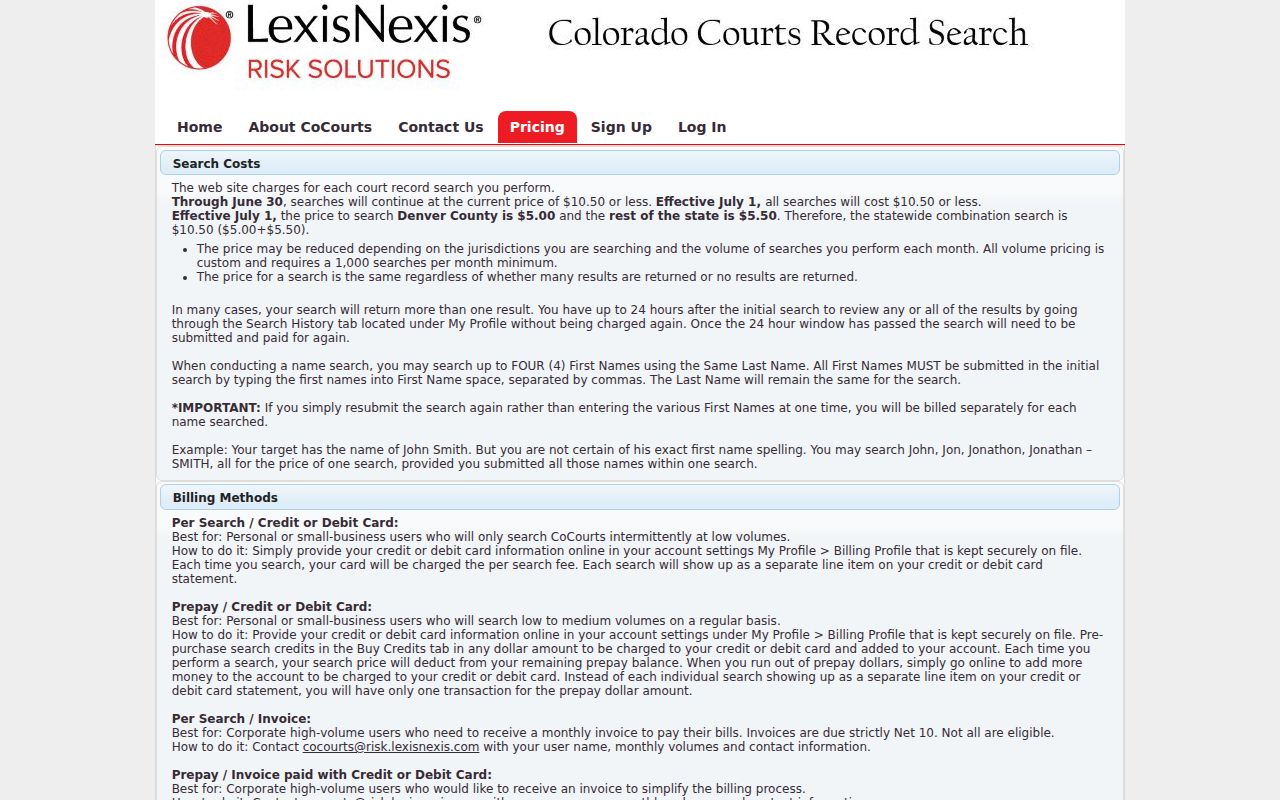
One glance at the pricing screen explains why. Try a precise case number before any broad paid name query.
Montezuma County Case Search Classes
Case-class letters tell you what kind of Montezuma County state case you have landed on. CR means district criminal, M a county misdemeanor, T state traffic. CV or C marks civil. S is small claims. DR covers domestic relations, PR probate, and JV or JD the juvenile categories. Not every class is public remotely. The exact number printed on the court paper stays the best source.
The class also hints at the court tier. A CR case points to District Court. An M, T, or S case generally points to County Court. Felony complaints can move from County Court up to District Court. They gain a linked number on the way. Search each number on the transfer papers rather than assuming one result holds both court stages.
What a Case Search Returns
What do you actually get from a free docket result? Mostly the calendar basics. Expect a public caption and the court location. You also see date and time, division or judicial officer, case number, and event type. CoCourts digs a layer deeper. It adds a case header, public party roles, charges or case type, dated events, minute orders, settings, and a disposition or sentence summary. Keep one limit in mind. Neither channel hands you the signed pleading or order behind the entry.
| Case Number | Year, case class, and sequence identify the matter and court tier. |
|---|---|
| Case Style | Public party-role caption; protected captions may be suppressed. |
| Case Type | Civil, criminal, traffic, small claims, domestic, probate, or another class. |
| Chronology | Filings, minute orders, settings, resets, and dispositions in date order. |
| Documents | No images through CoCourts; request the document from the filing court. |
Think of a register entry as an index, not the file. The exact wording of an order may matter. Then pull the document itself through the Montezuma County court records request process.
Labels need context too. “Pending” only means activity is unresolved. A plea entry is not a sentence. A dismissed count does not mean every count ended. A vacated hearing is not a dismissed case. Read the dated entries in order. Then request the signed disposition, judgment, or sentence order before treating a short label as the final terms of a case.
Montezuma County Search Is Not E-Filing
Colorado Courts E-Filing, or CCE, is the Judicial Branch system. Attorneys and authorized users file and serve through it. It is not the public Montezuma County case search. Some non-attorney use exists for designated case types. But public register access still runs through an approved commercial vendor, and court documents still come from the filing clerk. Colorado Judicial’s e-filing and public-access explanation spells out that division of labor.
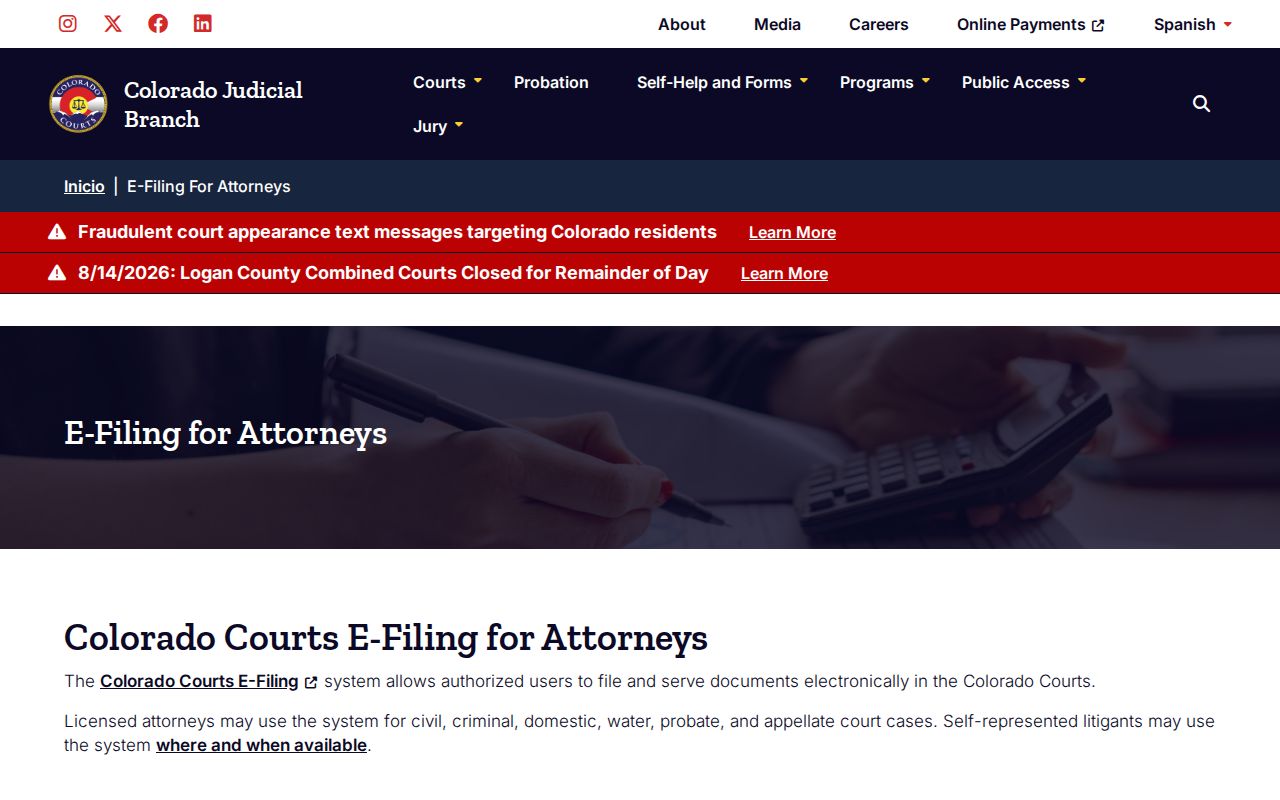
That is why a filing-system login never substitutes for public docket or register access.
Montezuma County Municipal Case Search
A city ordinance case belongs to the municipal clerk who created it. Cortez runs its own municipal docket and court records. Dolores and Mancos keep town ordinance files as well. Neither town offers a public standalone search portal. For those local cases, the working search chain is the citation, the court telephone, and the clerk counter.
Begin with the issuing authority printed on the ticket. A city-code charge should not be pushed through CoCourts or the state payment system. The court must confirm it became a state case. If a municipal search comes up empty, call the named court. Have the party name, citation number, appearance date, and charge description from the paper ready.
Statewide vs County Case Search
Colorado offers no direct Judicial Branch search of trial-court case history. The free statewide Docket Search hands you hearing lists instead. CoCourts sells state county and district register data. For documents, corrections, certified outcomes, and anything not available remotely, Montezuma Combined Courts is the source. Municipal ordinance cases stay with the Cortez, Dolores, or Mancos municipal court that handled them.
| Search Channel | Coverage | Best Use |
|---|---|---|
| Colorado Docket Search | Free scheduled hearing lists | Find a date, event type, or division. |
| CoCourts | Paid state register data | Trace a known state case chronology. |
| Combined Courts clerk | Official Montezuma case file | Get documents, certified copies, or corrections. |
| Municipal clerk | City ordinance docket | Find a Cortez, Dolores, or Mancos case. |
Federal matters live in PACER, not CoCourts. Federal case numbers, entries, and documents sit entirely outside the state system.
Missing Montezuma County Case Search Results
A failed search does not mean no case exists. Check spelling first, along with the case number from the original papers. Then confirm the filing court. A municipal matter sits outside the state vendor’s promised county and district coverage. A new filing may not have reached downstream systems yet. An older physical file may need off-site retrieval. It may also need Colorado State Archives research.
Search data gets corrected at the court where the original record was created. Colorado Judicial describes commercial data as “as is.” It warns of possible error or omission. Montezuma Combined Courts can confirm the source record. Call 970-565-1111, or use the official request form.
On that form, give the clerk a party name, year, court location, and case type. Add the date of birth when known. Include any other helpful facts. Ask for the ROA if the event chronology is all you need. Ask for a named pleading or order when the text itself matters. A narrower request also helps control copy, retrieval, research, and redaction charges.
Montezuma County Federal Case Search
Federal cases tied to Montezuma County never appear in the state register. The U.S. District Court for the District of Colorado uses PACER for public docket entries. It also uses PACER for filed federal documents. When the federal court is unknown, PACER Case Locator can identify it. A federal number, party name, court, and filing period will narrow that separate search.
CM/ECF is the federal filing system; PACER is the public viewing side. The split mirrors Colorado’s filing-versus-access distinction, though the accounts and case numbers differ. Sealed federal material stays unavailable even after registration. And a state CoCourts result is never proof that no separate federal matter exists.
Access and Restricted Cases
Not every Montezuma County court docket entry is open to the public. Some case types sit behind limits. Juvenile cases, adoptions, dependency-and-neglect matters, mental-health files, paternity disputes, and sealed or suppressed cases may be missing from a case lookup. Others may be shown only in part. Domestic and probate records can carry limits too. Chief Justice Directive 05-01 and its access schedule govern what a viewer may see. State law adds its own shield around juvenile records and certain identifiers. Bring photo ID, proof of entitlement, or a court order. That applies if you are an authorized requester.
Colorado's Sealed Case Search is not a tool for looking up other people. It exists so a defendant can confirm that automatic sealing happened under section 13-3-117. It works one case at a time, requires identity fields, and demands a sworn declaration. Searching for someone else is not a permitted use.
Redaction is another layer. Even when a filing is public, some details can be withheld or blacked out. That includes Social Security numbers, driver-license numbers, financial-account data, victim-identifying material, medical information, juror questionnaires, and presentence reports. The clerk weighs each request against the access policy and any court order on file.
Montezuma County Case Search Data Limits
Colorado Judicial treats court information as three different products, not one. A public case lookup, a bulk data set, and an official case document each travel a separate path. Asking for a broad compilation of Montezuma County court records may mean a distinct data channel. It may also mean added costs. A single certified order, though, belongs with the Montezuma Combined Courts clerk.
The Judicial Branch data and reports gateway lays out the compiled statistics and reports the branch publishes. A visitor can match the request to the right product there, before paying for the wrong one.
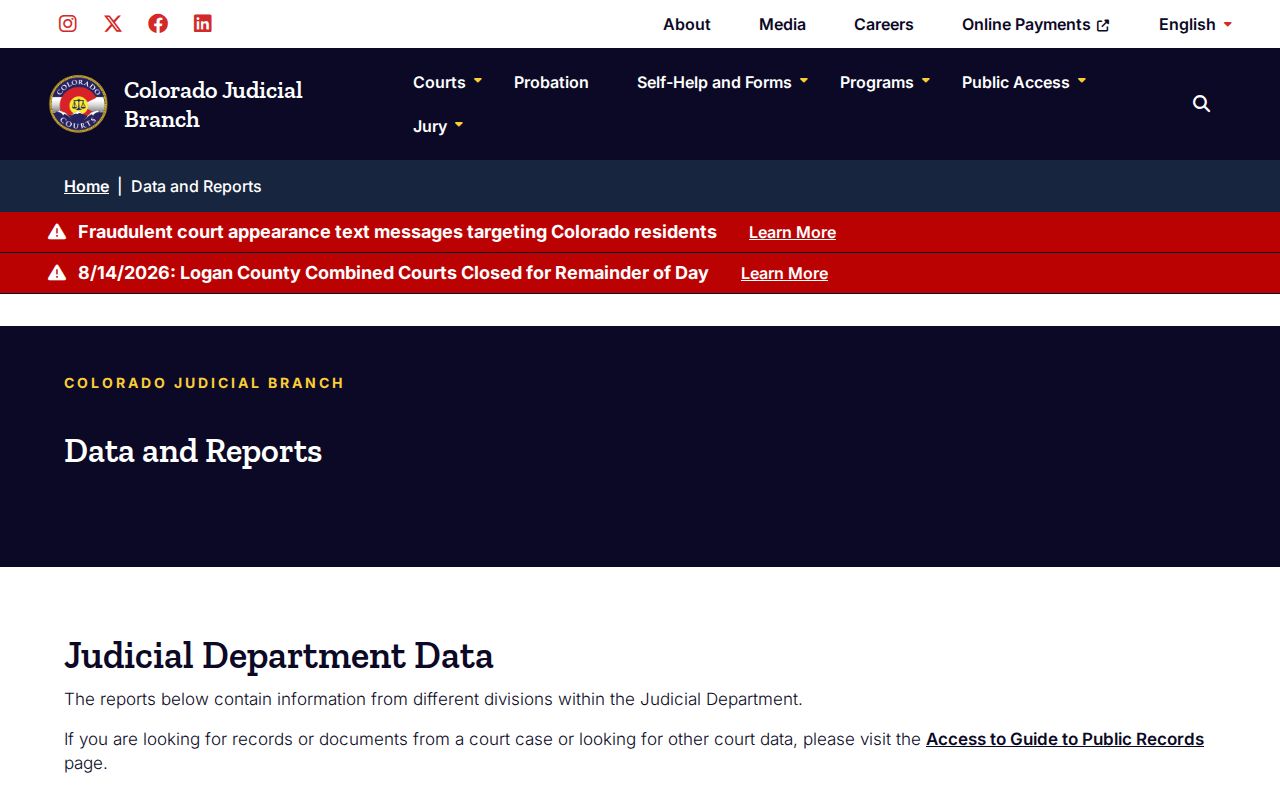
The lesson is simple. Ask for the product you actually need, whether that is a docket search, a data set, or one filed order, rather than filing every request as a court-record demand.